Seven languages, every direction.
Learn any of them from any other. About 6,000 words per language, laid out in lessons across five levels.
- English
- German
- French
- Spanish
- Italian
- Turkish
- Russian
Levels A1A2B1B2C1
New words drift past while you work. Then short sentences made only from the words you have already seen.
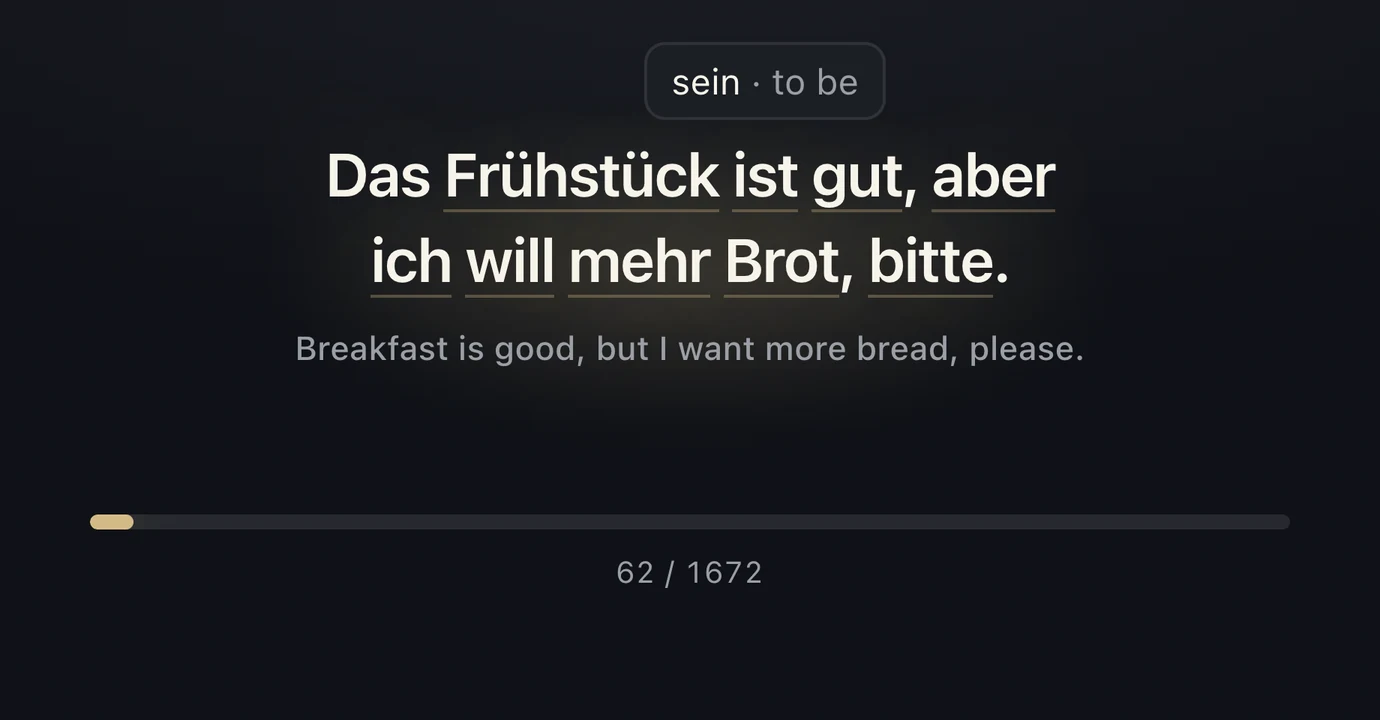
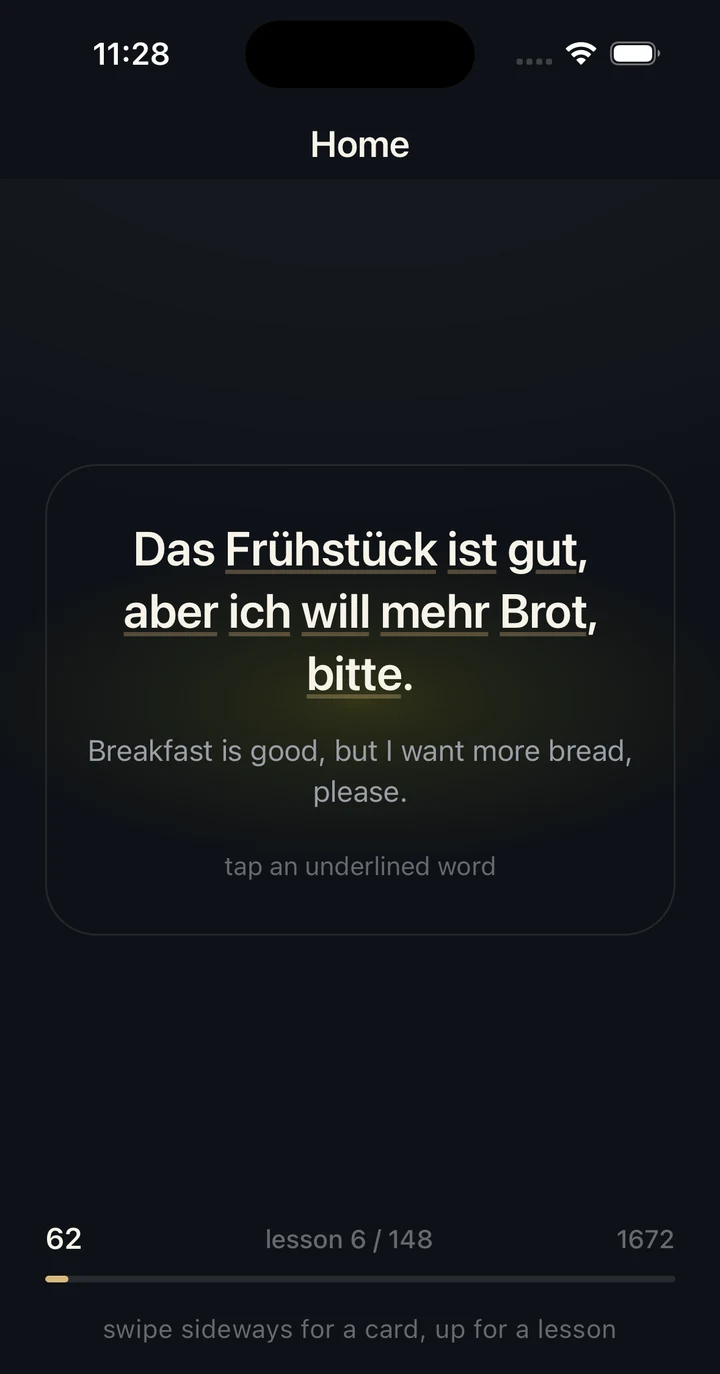
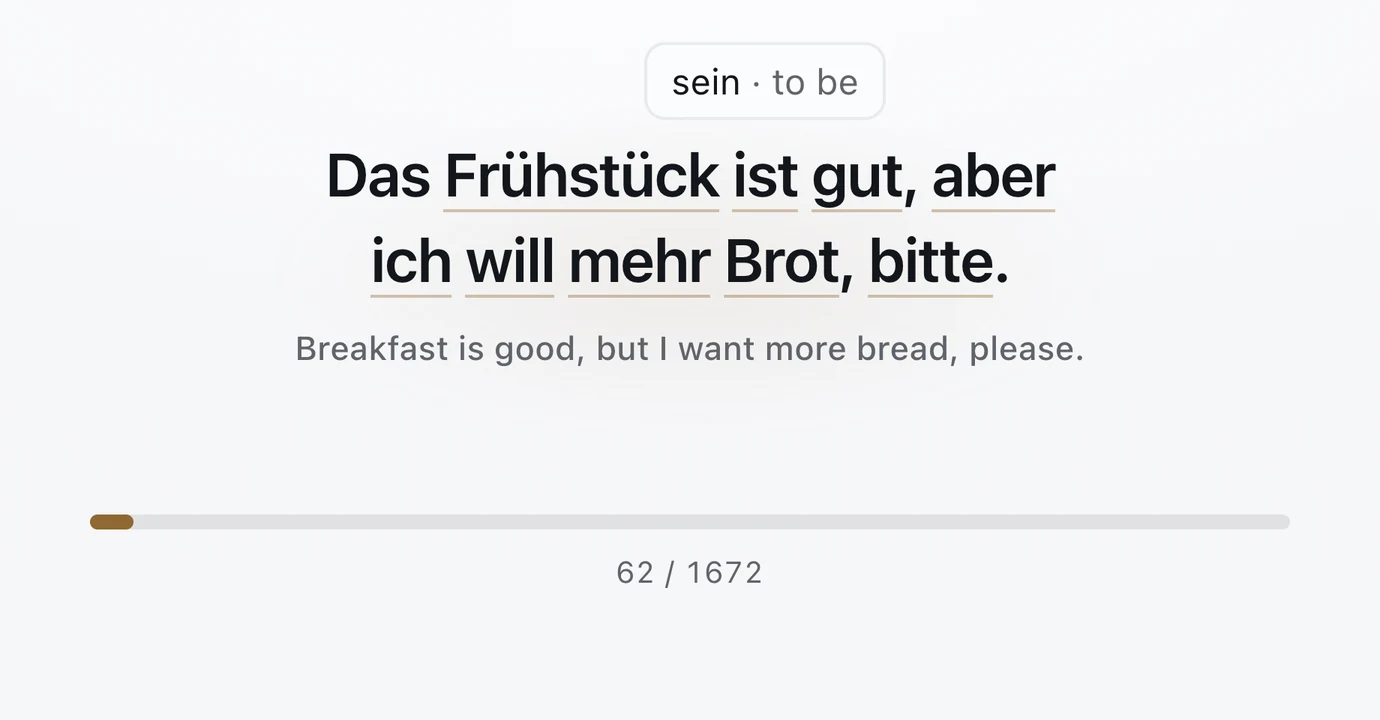
Every 5 to 10 words, two or three sentences appear, made only from words you have already seen. Over 5,400 lessons and 16,600 sentences across seven languages, each checked by a script that rejects any word not yet taught.
Hover or tap an underlined word to see the form you learned it in: ist sein · to be
A sentence holds the screen twice as long as a word, so there is time to read it.
Your place is kept per language pair and level. On mobile you can also pin a spot and come back to it.
Any of the 42 pairs between English, German, French, Spanish, Italian, Turkish and Russian, from A1 to C1. That is the whole setup.
A word and its translation appear in a floating card or in your menu bar. Hover to pause. On the phone, swipe when you are ready.
Catch the words out of the corner of your eye. After each lesson a sentence shows them at work, and you already know every word in it.
Everything needed to soak up vocabulary, and nothing that turns it into a chore.
Learn any of them from any other. About 6,000 words per language, laid out in lessons across five levels.
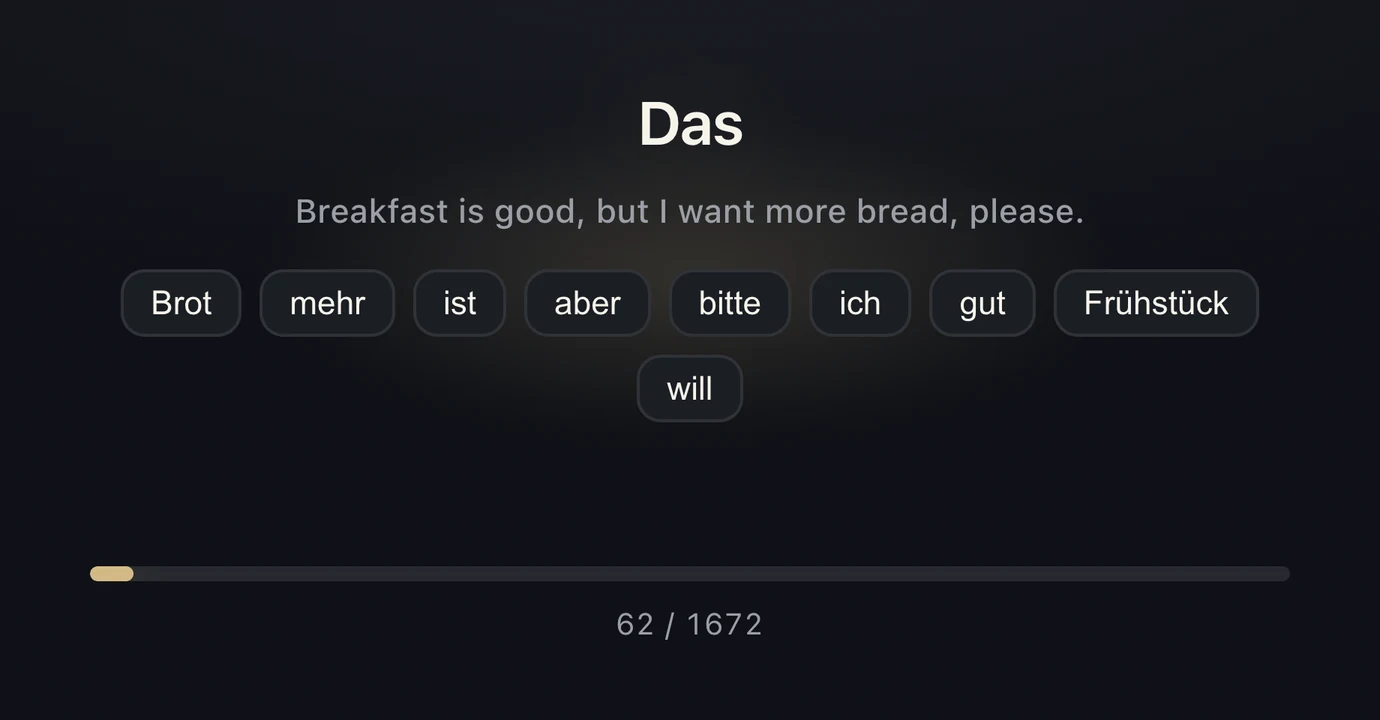
Optional. The words arrive shuffled; put them in order. Auto-advance waits until you do.
No account, no network, no tracking. Every word and sentence ships inside the app.
Text-to-speech reads each word aloud. Checkup hides the translation for three seconds before it shows.
Import a plain .txt file on desktop and it runs like any built-in level, one pair per line.
macOS, Windows, Linux
A card that stays on top of your other windows, or a single word in the macOS menu bar. Sound, Checkup, Assemble and your own dictionaries.
iOS, Android
Swipe sideways for the next card, up for the next lesson. Auto-advance is off unless you want it. The interface comes in all seven languages.
The iOS build is in TestFlight now. Leave your email below and we will send the link the day it goes live.
One message when Vocabularify ships, nothing else.
Thanks, there! You're on the list. We'll send the download links the moment Vocabularify is ready.